
Create an API key
API keys let other systems read your tenancy's data.
Open Developer in the top bar, then API keys.
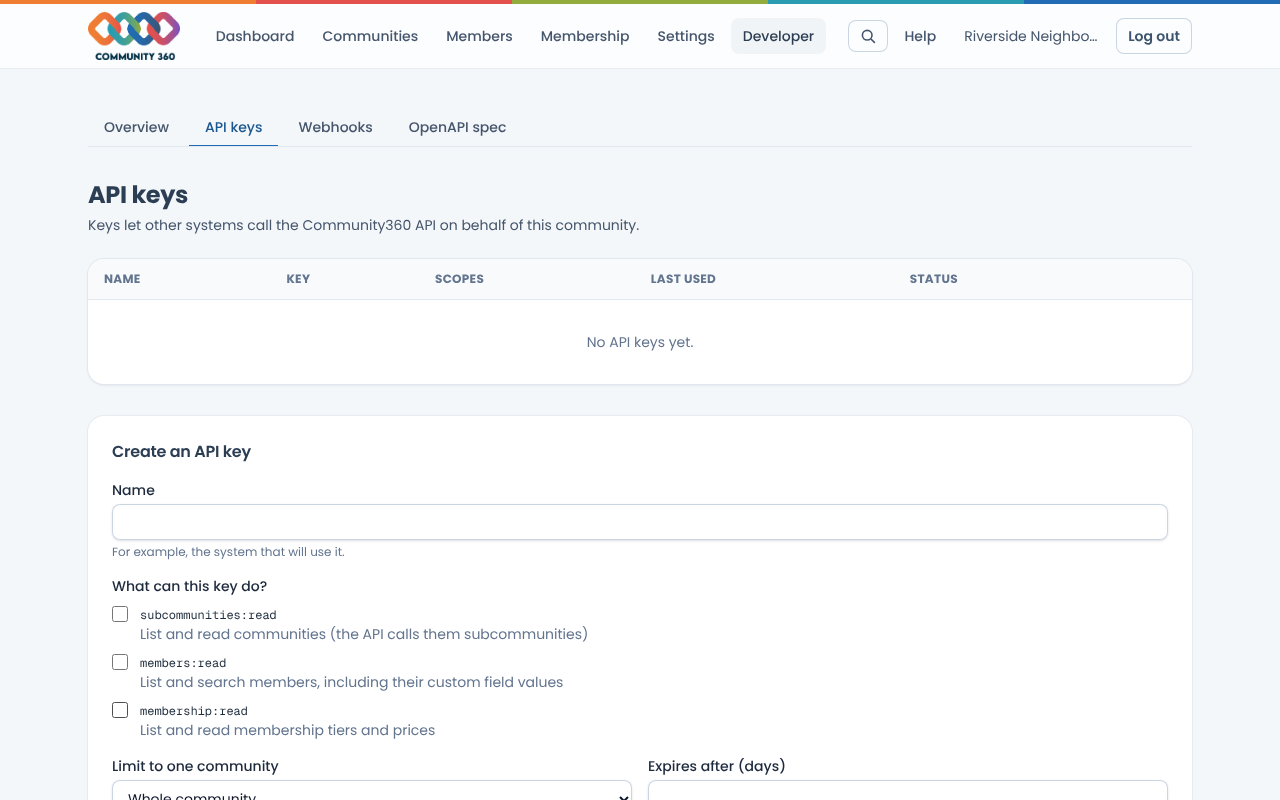
Under Create an API key, enter a name that says which system will use it.
Tick only the scopes that system needs. You can limit the key to one community and set an expiry.
Choose Create key. Copy the key straight away: it is shown once and cannot be retrieved later.
Send it as a header: Authorization: Bearer YOUR_KEY. Test with GET /api/v1/ping.
To stop a key working, choose Revoke next to it.