
Choose which tenancy to enter
If you belong to more than one tenancy, pick the one you want to work in. You can switch at any time.
If you belong to more than one tenancy, you land on Choose a tenancy after logging in. It lists each one with the role you hold there, for example Admin in one and Member in another. If you belong to only one, you go straight in and never see this page.
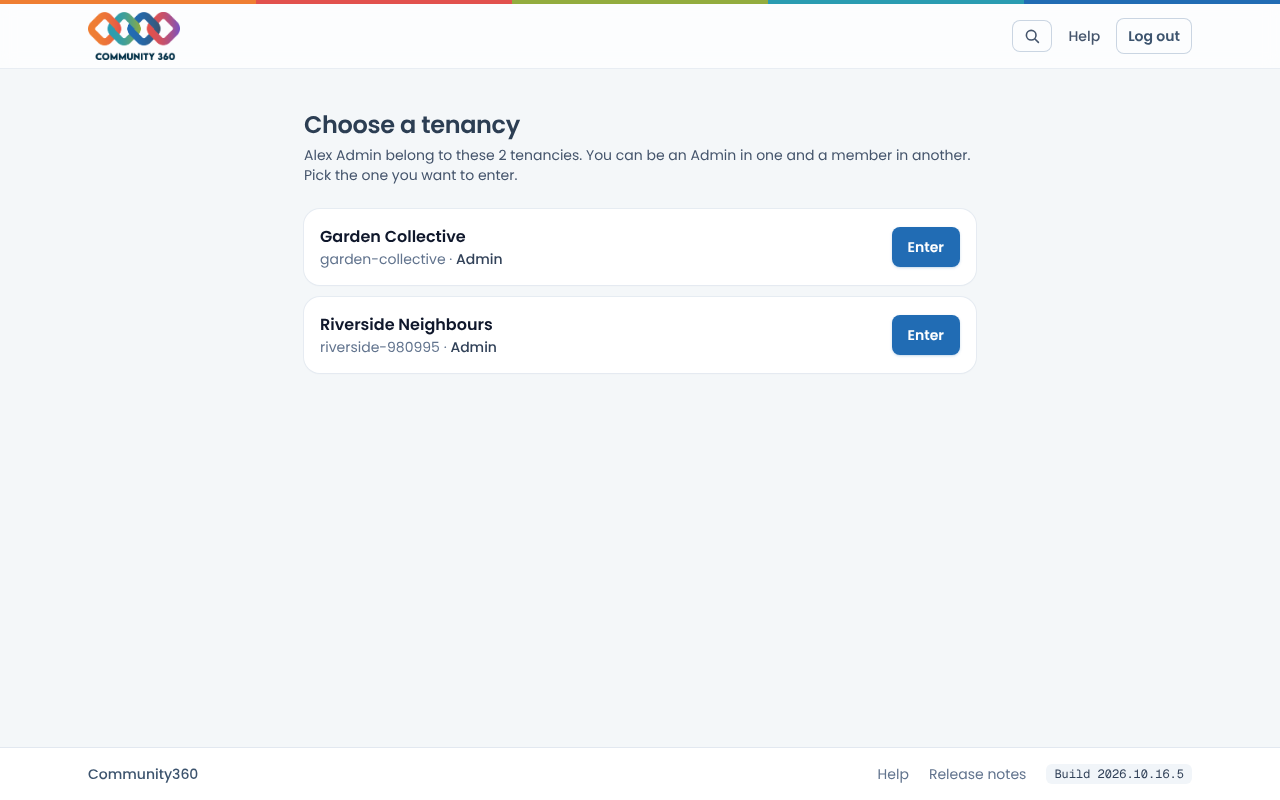
Choose Enter next to the one you want. Admins and staff see the tenancy dashboard. People who are ordinary members see the member portal.
To switch later, use the tenancy name in the top bar and choose Switch tenancy.