Create a community
Communities are groups inside your tenancy. Your plan sets how many you can have.
Open Communities in the top bar.
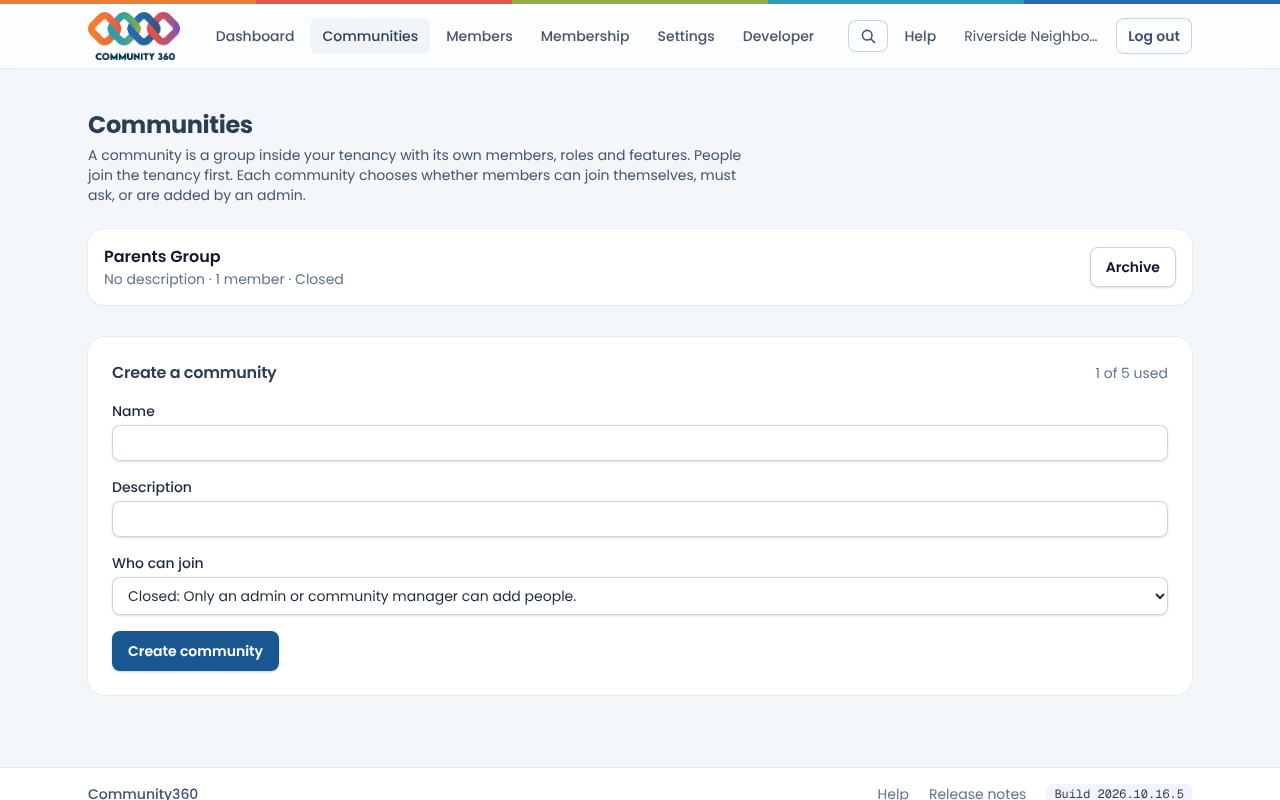
Check the count next to Create a community. If all are used, ask your platform administrator to change the plan.
Enter a name and an optional description, then choose Create community.
Open a community to add members and give them a role that only applies inside that community.
To remove one, choose Archive next to it and confirm.