
Community settings: who can join and which modules
Each community chooses how people join and which modules it uses.
Open Communities and choose a community. Admins and community managers see Community settings.
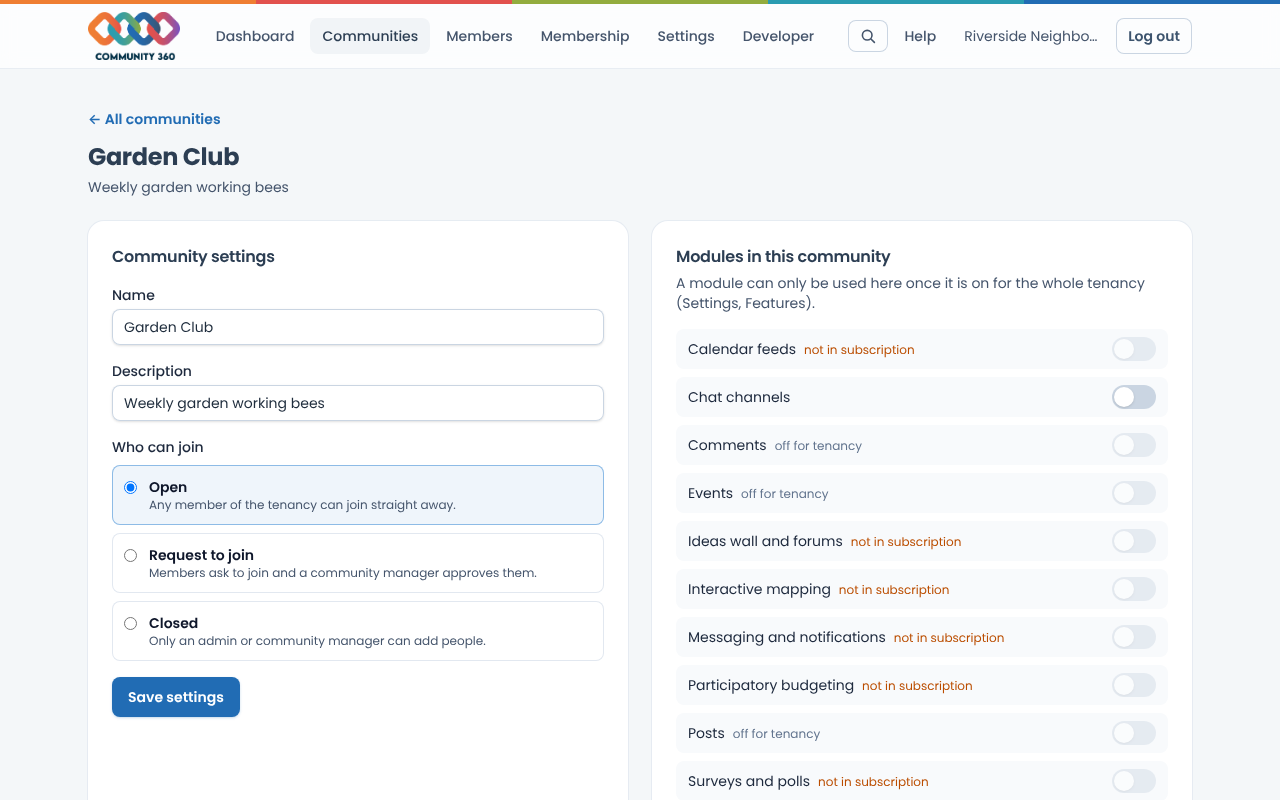
Under Who can join, choose Open (any member can join), Request to join (a manager approves), or Closed (only admins add people). Choose Save settings.
Under Modules in this community, switch on the modules this community uses. A module must be on for the whole tenancy first (Settings, Features).
When people ask to join, Requests to join appears above the member list. Choose Approve or Decline.