
Create a custom field
Add your own questions to members, sign-up, membership tiers, subscriptions and communities. Each tenancy has its own fields.
Open Settings, then Custom fields.
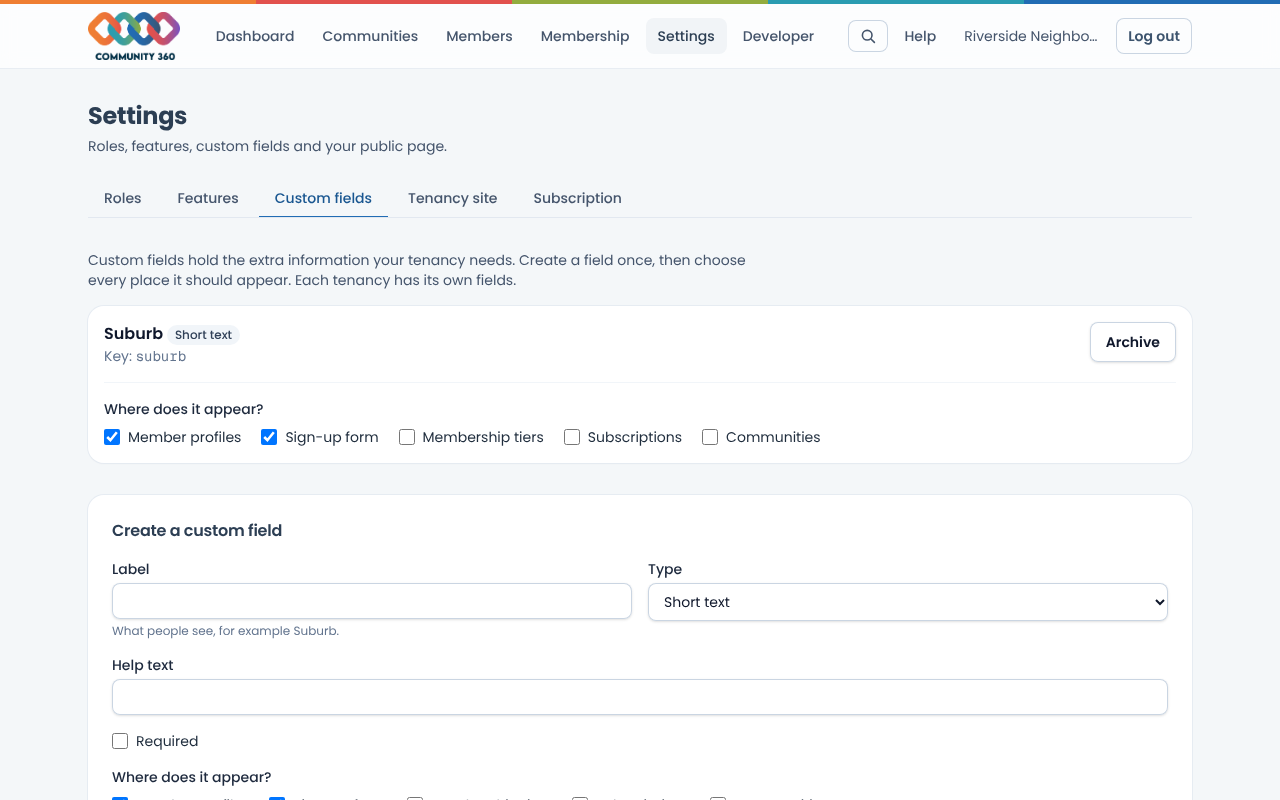
Under Create a custom field, enter a label, choose a type (text, number, date, yes/no, choose one or several, email or web address) and list the options if it is a choice.
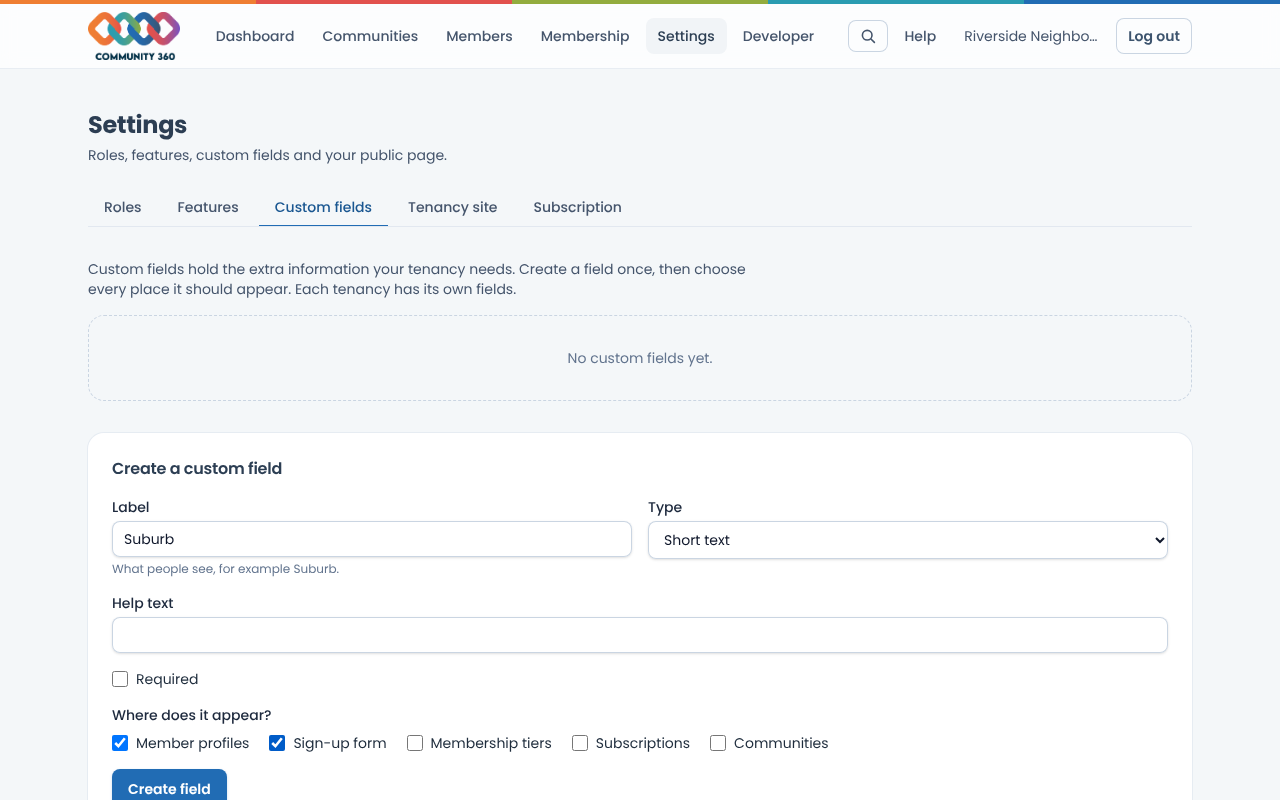
Tick every place it should appear: Member profiles, Sign-up form, Membership tiers, Subscriptions or Communities.
Choose Create field. You can change where it appears at any time, or archive it. Archiving hides it but keeps what people entered.
Fields on member profiles are filled in under Members, then Details. Fields on the sign-up form are asked when someone joins.