
Join a community from its page
New members create their account from their community's own page.
Open the link your community gave you. It looks like /t/their-address.
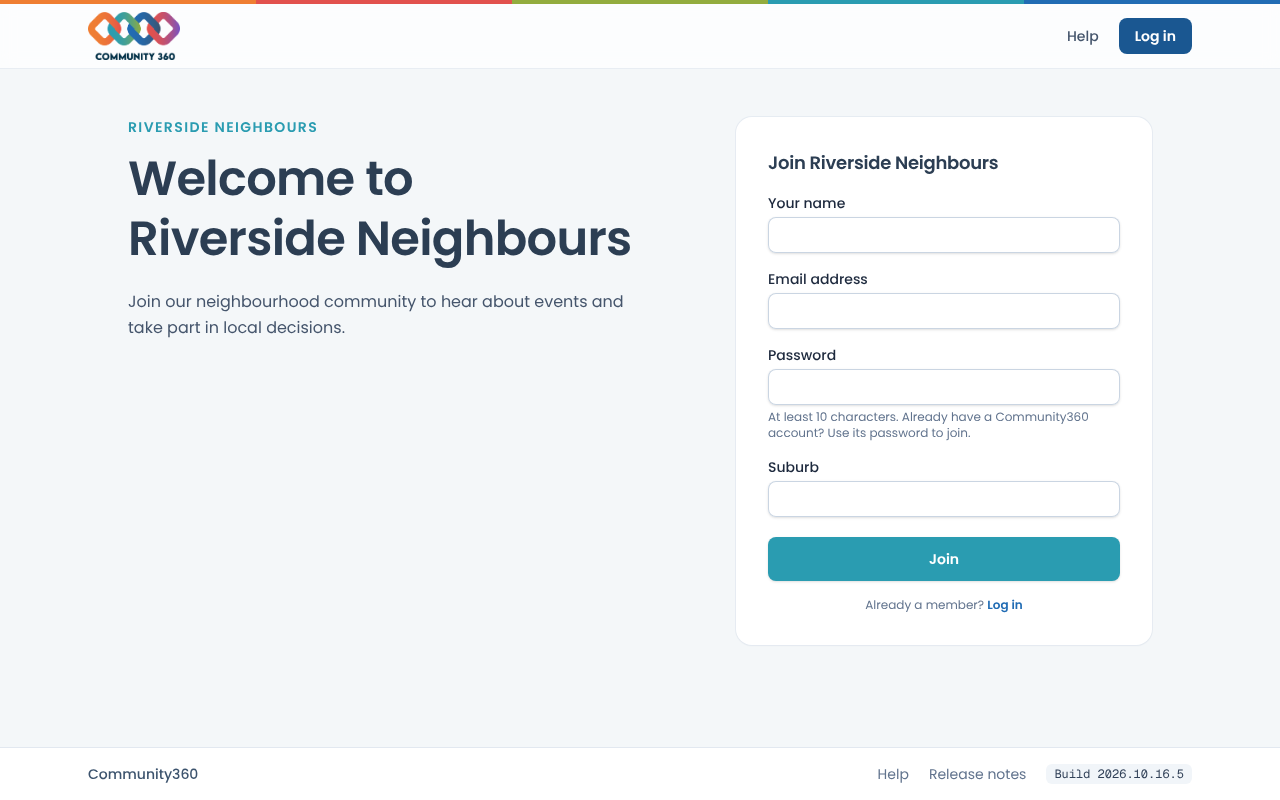
Enter your name, email and a password of at least 10 characters, and answer any questions on the form.
Choose the join button. You are signed in and taken to the community.