
Log in
One login for everything. Sign in with your email and password, or with Google, Microsoft or Facebook.
Go to the Log in page and enter your email and password, then choose Log in.
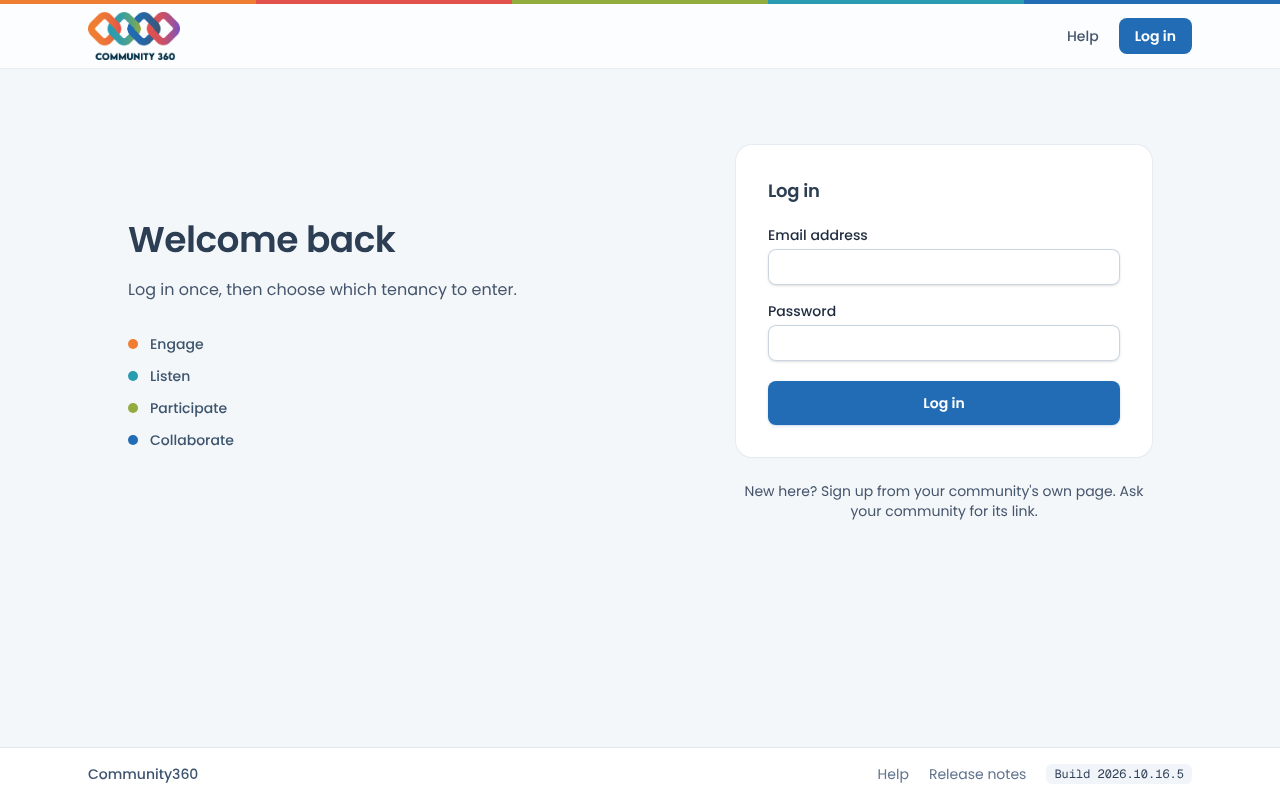
Or choose Continue with Google, Continue with Microsoft or Continue with Facebook. Only providers your platform has switched on are shown.
If you belong to just one tenancy you go straight into it. If you belong to several, you choose which to enter. Platform administrators go straight to the Management Portal.