Find and manage members
The Members page lists everyone in your tenancy. Search them, filter by any field, and see them as a table, a board or cards.
Open Members. The table shows each person with their role, tags, joined date and the custom fields you have chosen to show.
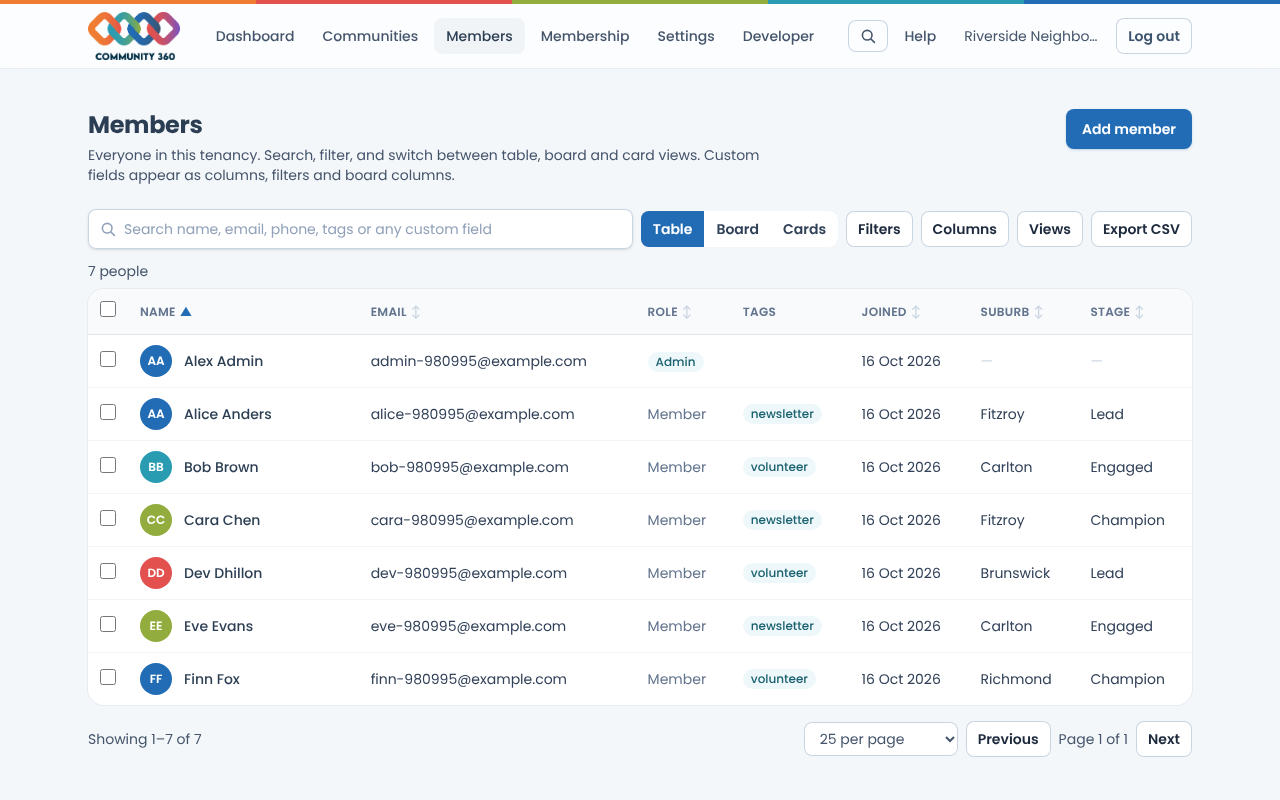
Type in the search box to search names, email, phone, tags and the text in any custom field. Results update as you type.
Choose Filters to narrow by role, status, community, membership, joined dates and tags. Choose Add a custom field filter to filter on any custom field, for example Stage is Champion.
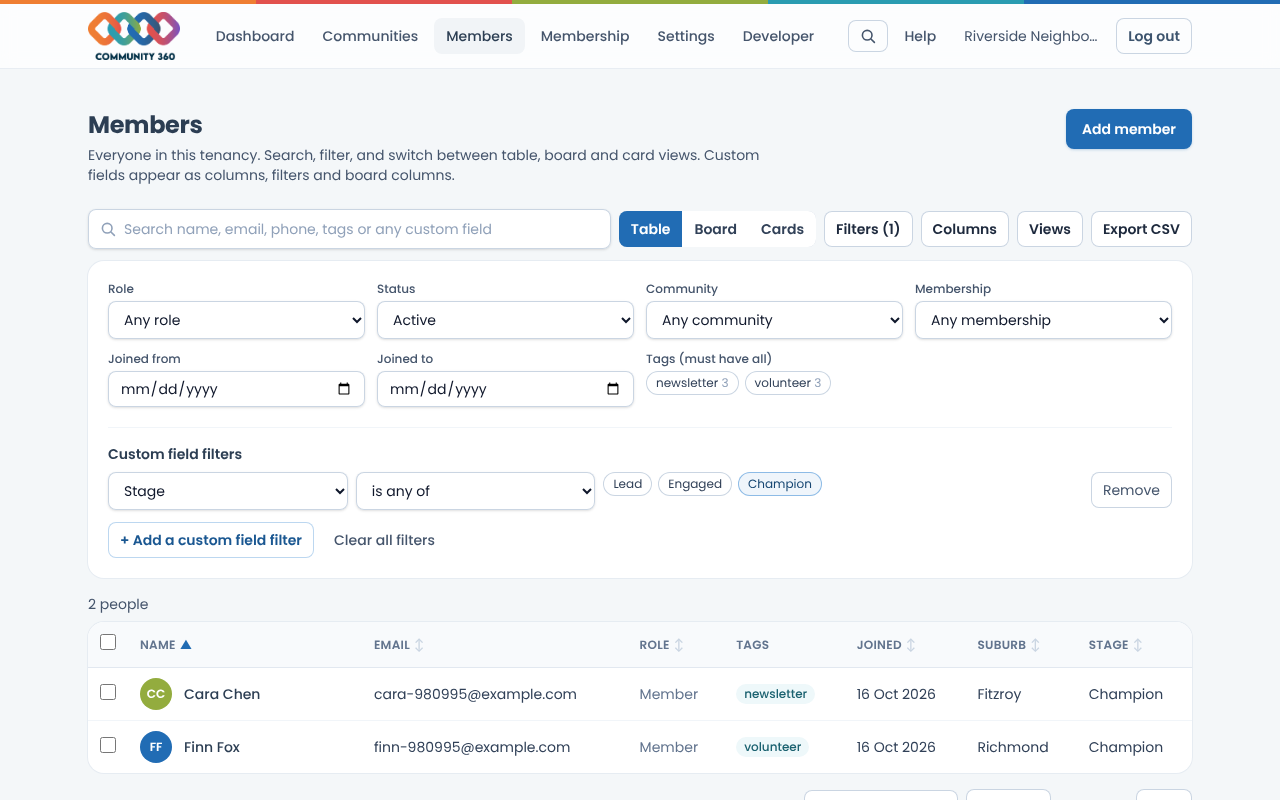
Choose a column heading to sort by it. Choose Columns to show or hide columns, including your custom fields.
Choose Add member to create someone directly. A new person gets a temporary password, shown once, to pass on.
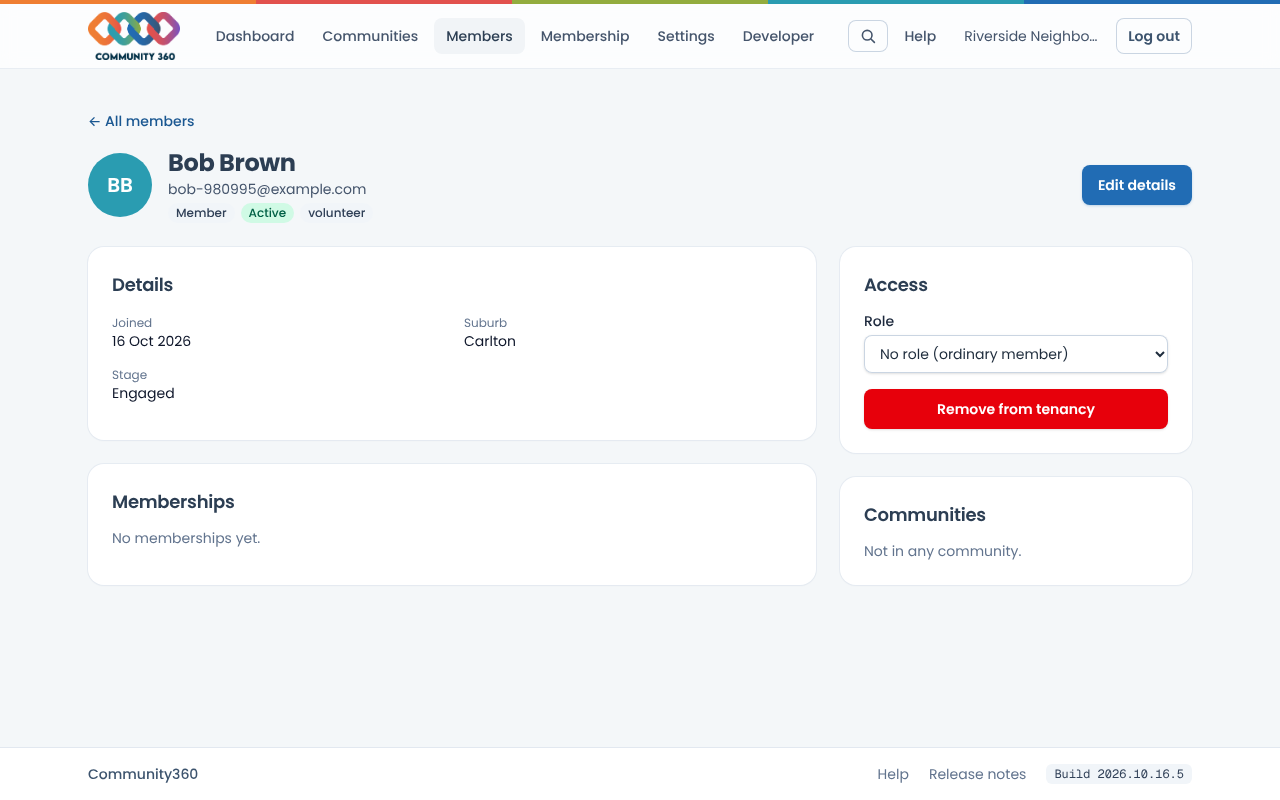
Choose a person's name to open their page. Choose Edit details to change their name, phone, tags, notes and custom fields, or change their role or remove them.