Board, card views and saved views
Switch layouts, drag people between columns, act on many at once, export, and save your favourite set-ups.
Choose Board to see columns. Under Group columns by, pick Role, Status, Membership or any single-choice or yes/no custom field such as Stage.
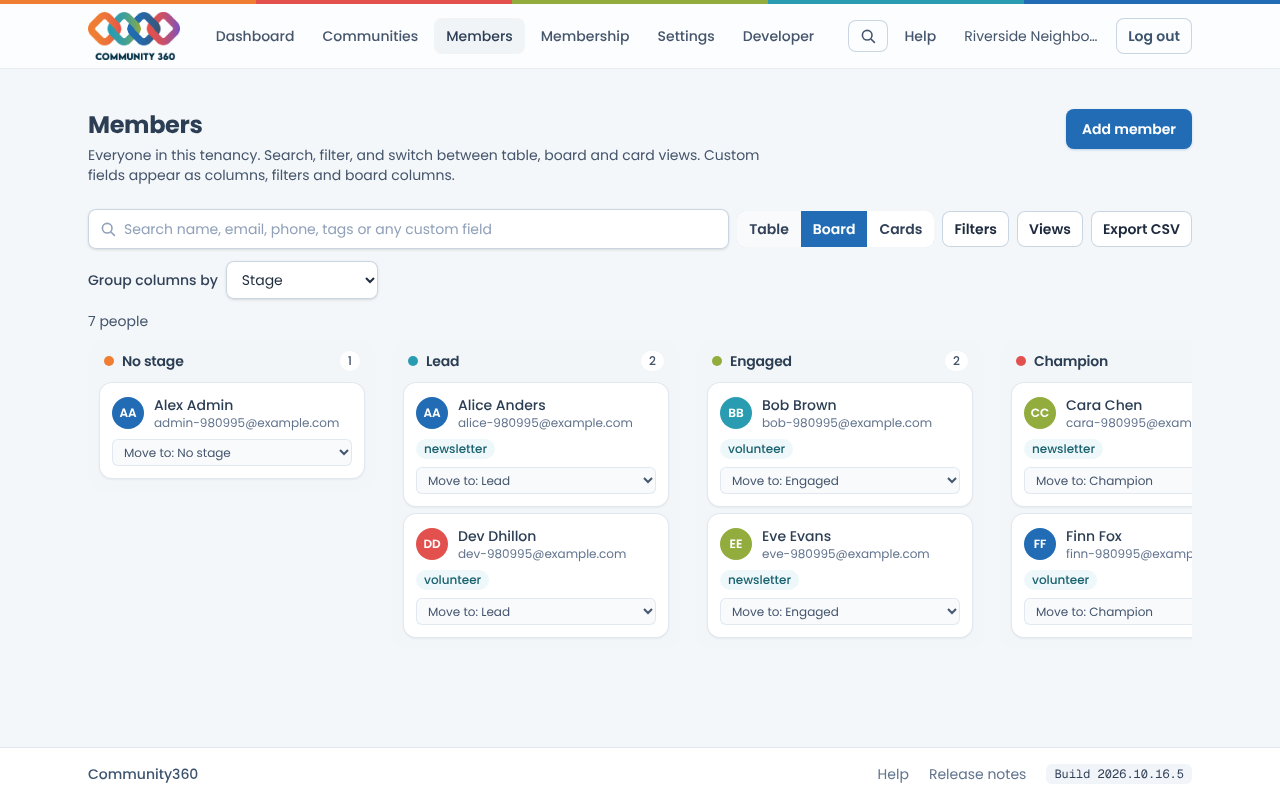
Drag a person to another column to change their role, status or that custom field. Each card also has a Move to menu for keyboard use.
Choose Cards for a visual list with initials, memberships and a few custom fields.
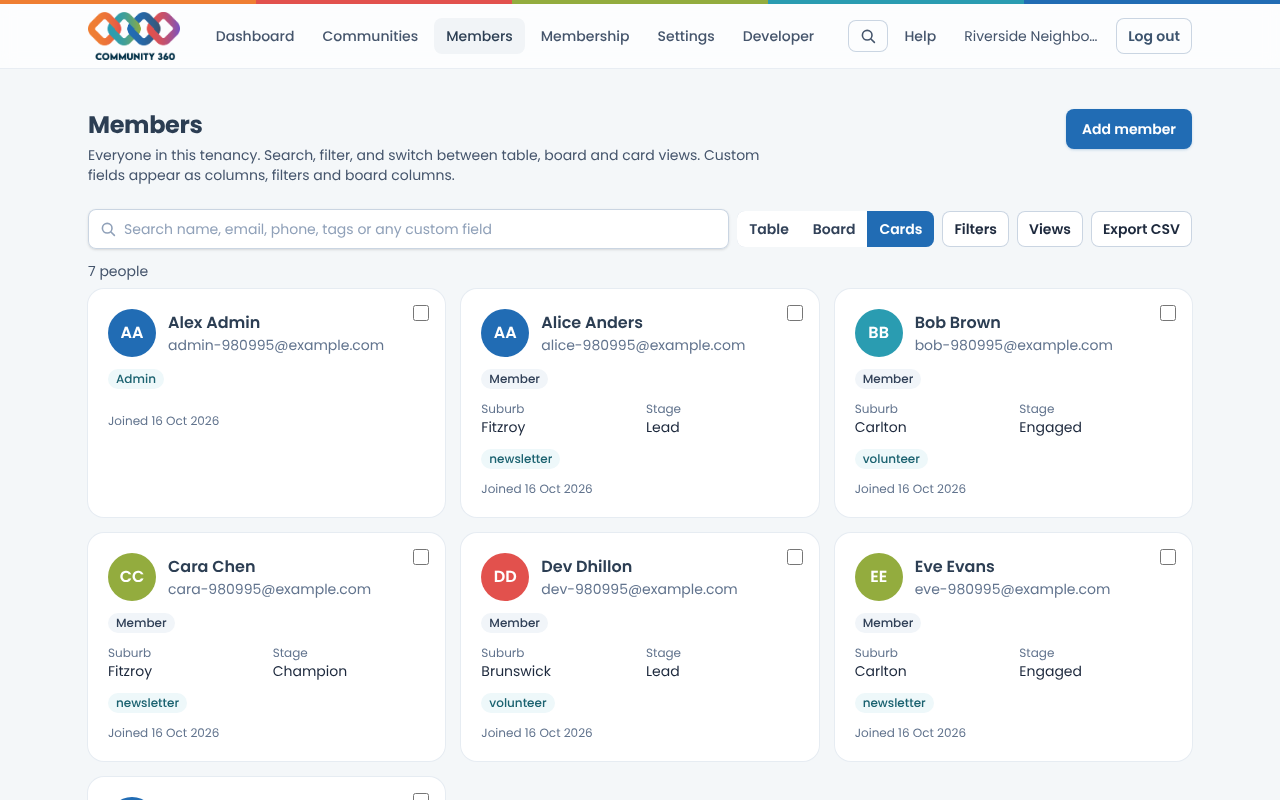
In Table or Cards, tick people to select them. A bar appears so you can add or remove a tag, set a role, add them to a community, or remove them.
Choose Export CSV to download everyone who matches your search and filters, with the columns you have showing.
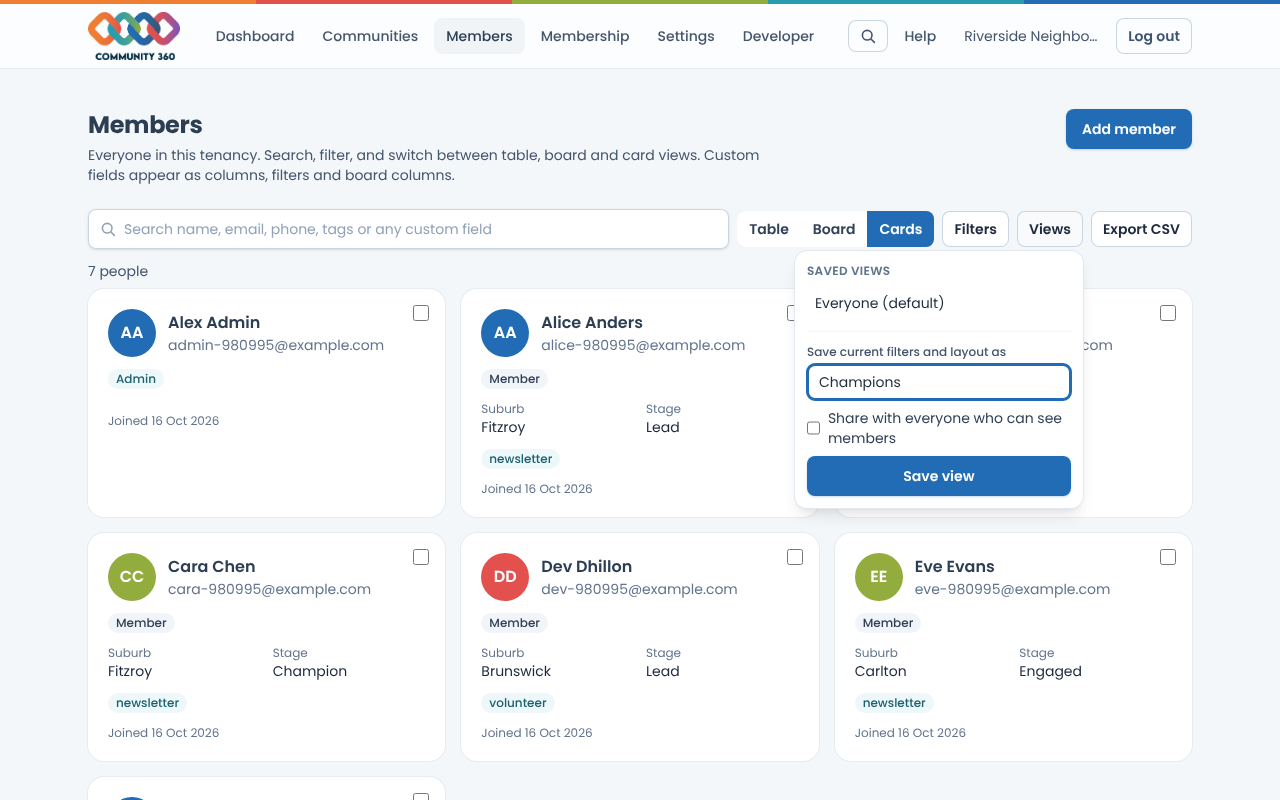
Choose Views, name your current filters and layout, and choose Save view. Admins can share a view with everyone who can see members.