
Roles and permissions
Roles decide what people can do. Admin, Manager, Coordinator and Read only come ready-made, and you can edit them or add your own.
Open Settings, then Roles. Each role shows how many permissions it has and how many people hold it.
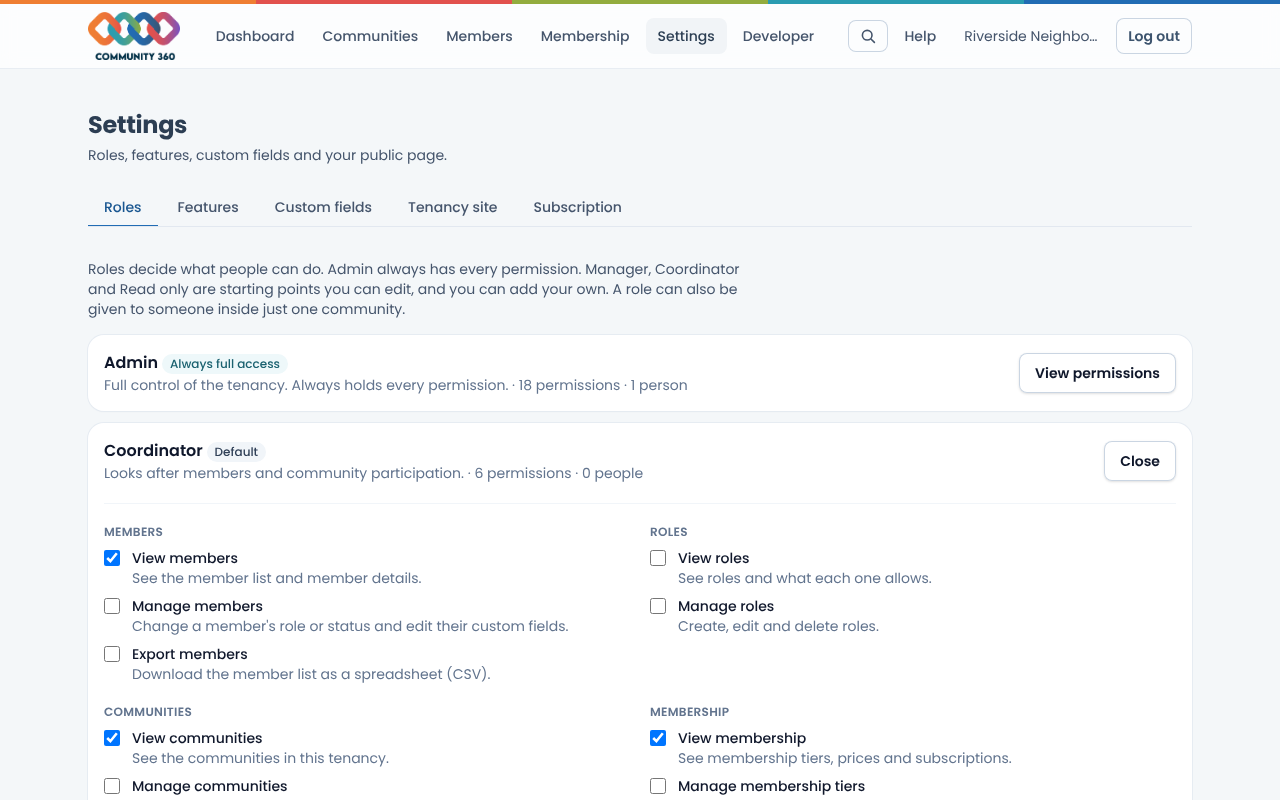
Choose Edit permissions on a role, tick or untick what it can do, and choose Save changes. Admin always keeps every permission so a tenancy can never lock itself out.
To make a new role, use Create a role, give it a name and tick its permissions.
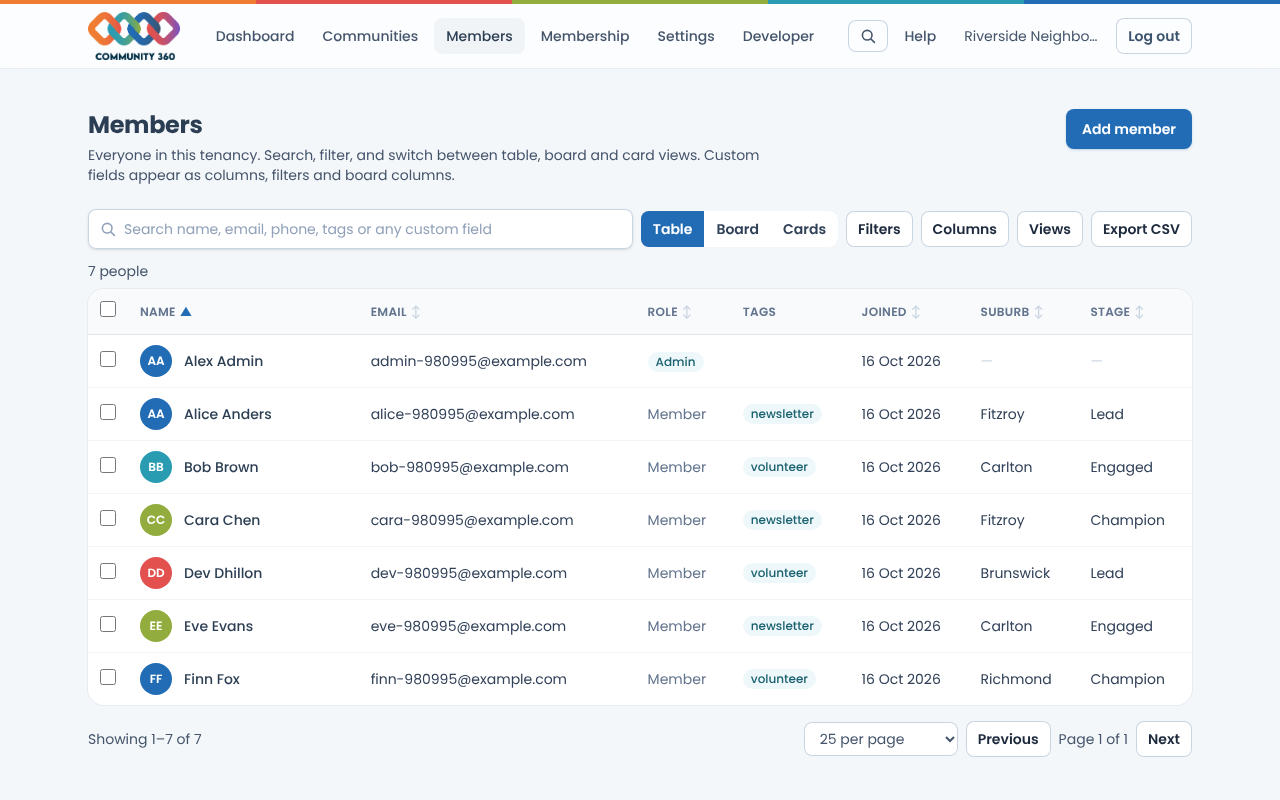
Open Members, choose a person's role from the list, and it applies straight away.
To give someone a role in just one community, open that community and set their community role there.