
Set up a webhook
Webhooks send a signed message to your system when something happens.
Open Developer, then Webhooks.
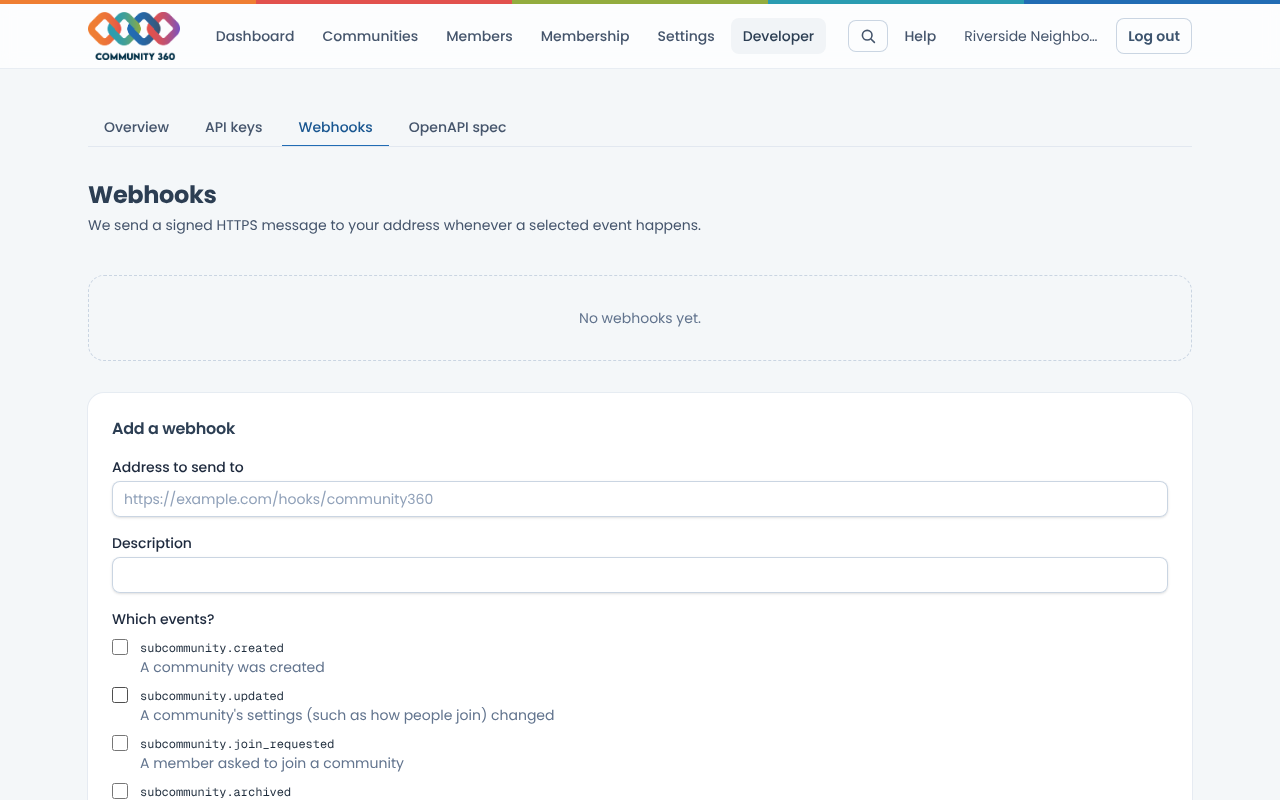
Under Add a webhook, enter the https address that will receive messages and tick the events you want.
Choose Add webhook and copy the signing secret. It is shown once.
Choose Send test to check your system receives it. Use Deliveries to see recent attempts and any errors.
Each message carries an X-Community360-Signature header of the form t=<timestamp>,v1=<signature>. The signature is an HMAC-SHA256, keyed with your secret, of the timestamp, a full stop, then the raw request body. Reject messages that do not match.
Use Pause to stop sending without deleting, or New secret if the old one leaks.